No document uploads Enforced by: outbound-request allowlist.
The outbound allowlist test rejects document bytes and page images in every request.
Private by design
Fillauto reads the PDF, DOCX or scan you already have open, finds every blank, and fills it from your own saved profile. On your machine, in your browser, in seconds.
No uploads · No account for your first fill · Works offline · Cancel anytime
How it works
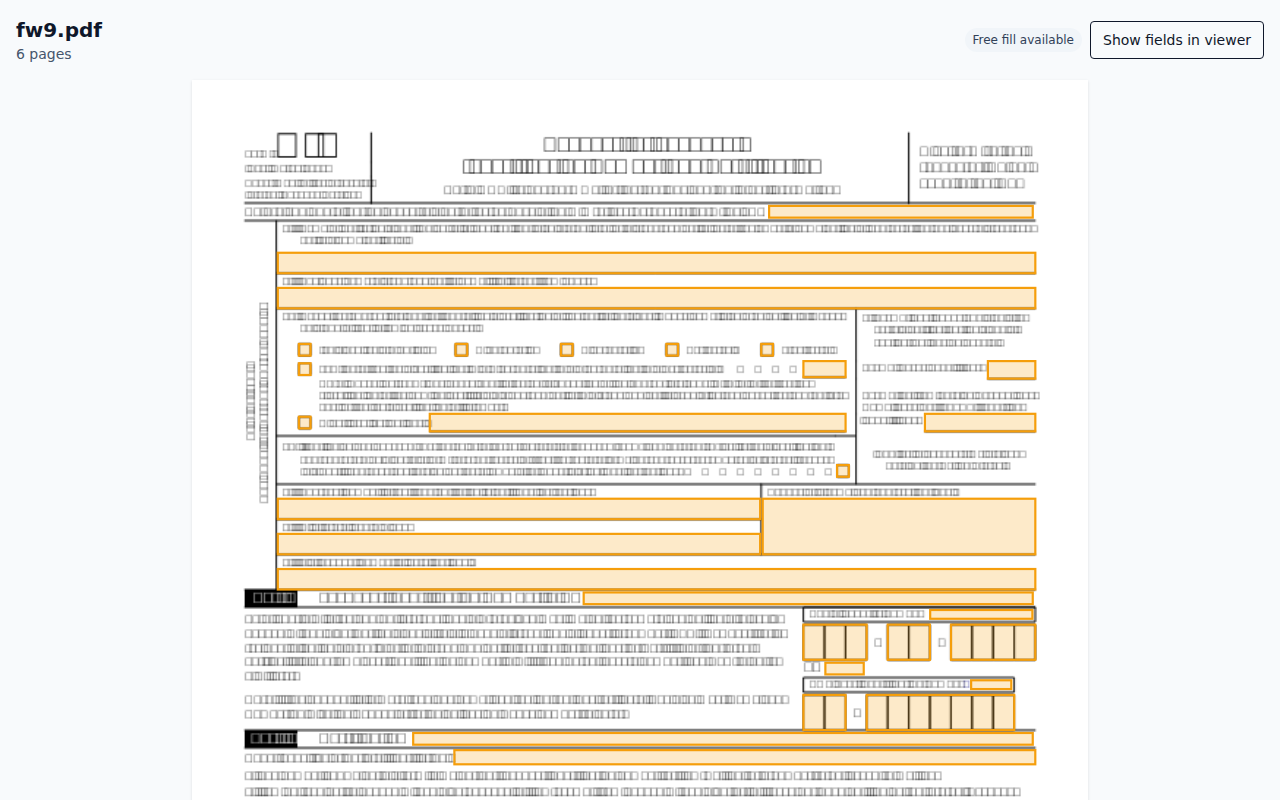
Step 1
Choose a file, a document link, or the form in your current tab.
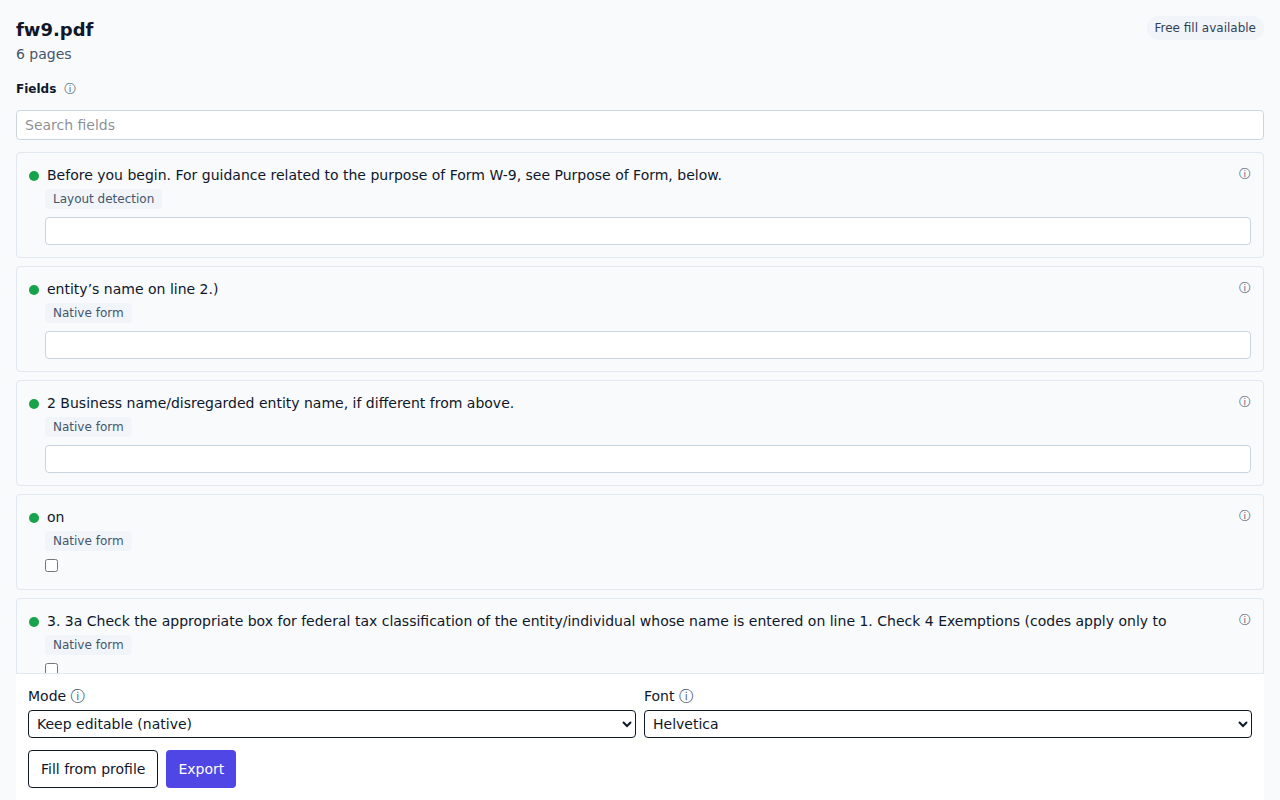
Step 2
Review the detected blanks and make any corrections before filling.
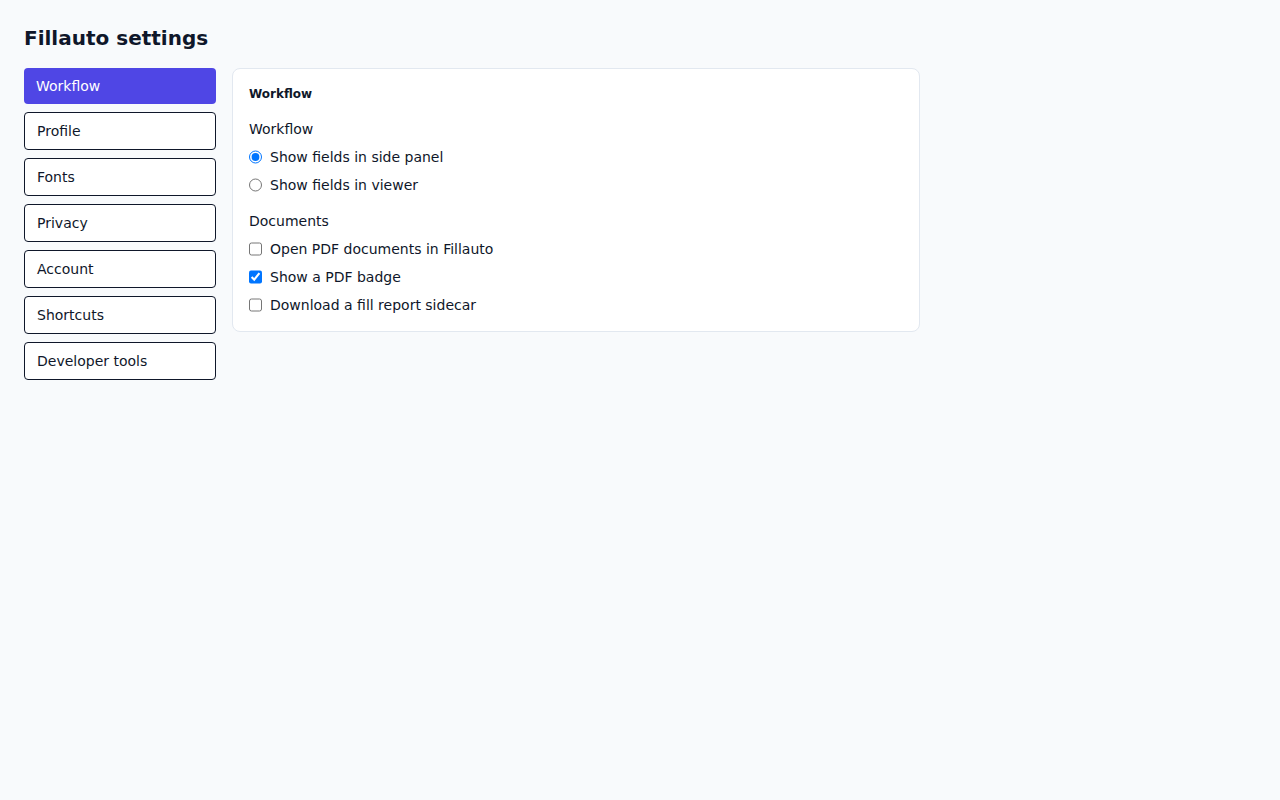
Step 3
Apply your local profile, choose editable or flattened output, and download.
Private by design
The outbound allowlist test rejects document bytes and page images in every request.
The encryption round-trip test verifies every saved value is encrypted at rest.
A manifest test compares every permission with the reviewed permissions document.
Tests verify authentication tokens never enter synchronized storage.
The content script scope test verifies that only document links are inspected.
The demo network test records no external request after page load.
The link and accessibility checks keep this security record usable.
Verify it yourself
No requests recorded
Repeated work
Repeat employee forms without copying details line by line.
See the workflowPrepare repeat court and client forms while documents remain local.
See the workflowReuse company and contact details across tax and vendor forms.
See the workflowHelp residents complete forms without creating a cloud document store.
See the workflowPricing
$0
Forever after sign-in
$9.99 / month
Cancel anytime · 7-day money-back
| Feature | Free | Pro |
|---|---|---|
| Documents per month Usage is checked before work starts. | 3 | Unlimited |
| Deterministic filling Field matching follows visible, repeatable rules. | Included | Included |
| Batch Review multiple documents in one queue later this year. | Not included | Pro |
| Custom fonts Fonts are stored locally in your browser. | Not included | Pro, later this year |
| Assisted matching Optional assistance stays off unless you configure and confirm it. | Not included | Pro, optional, later this year |
| Priority support Pro questions enter the priority support queue. | Not included | Included |
FAQ
Your first document needs no account. After sign-in, Free includes three documents each month and Pro is $9.99 per month. Yearly billing is coming; today Pro is billed monthly and you can cancel any time.
No. The extension reads, recognizes, fills, and exports the document on your computer.
Your encrypted profile stays in the browser. The service stores only account, plan, trial, and usage records needed to provide the product.
Fillauto can open scanned forms. Text recognition for scans is planned for Pro later this year.
Current Chromium browsers and Firefox are supported. The live demo runs in a modern desktop browser.
The extension accepts files up to 50 MiB, with separate page and render safeguards to keep the browser responsive.