Why your PDF never leaves your computer
A technical tour of local document reading, field recognition, filling, and the test you can run yourself.
When a tool says that a document is private, the useful question is not whether the company has a reassuring policy. The useful question is whether the product has a technical route that could send the document away. Fillauto is arranged so its normal recognition and filling path does not have that route.
Opening is a local action
You can open a PDF from a file picker, drag it into the Fillauto viewer, or open a document link after granting access to that particular site. The browser gives the file bytes to the extension. They are placed in local browser storage so the viewer and side panel can work on the same session. They are not posted to a Fillauto endpoint.
The distinction matters. A cloud document editor starts by transferring the file to a remote system. Fillauto starts a Web Worker in the extension. That worker receives the bytes inside the browser and performs the expensive document work away from the interface thread.
Recognition runs in a Web Worker
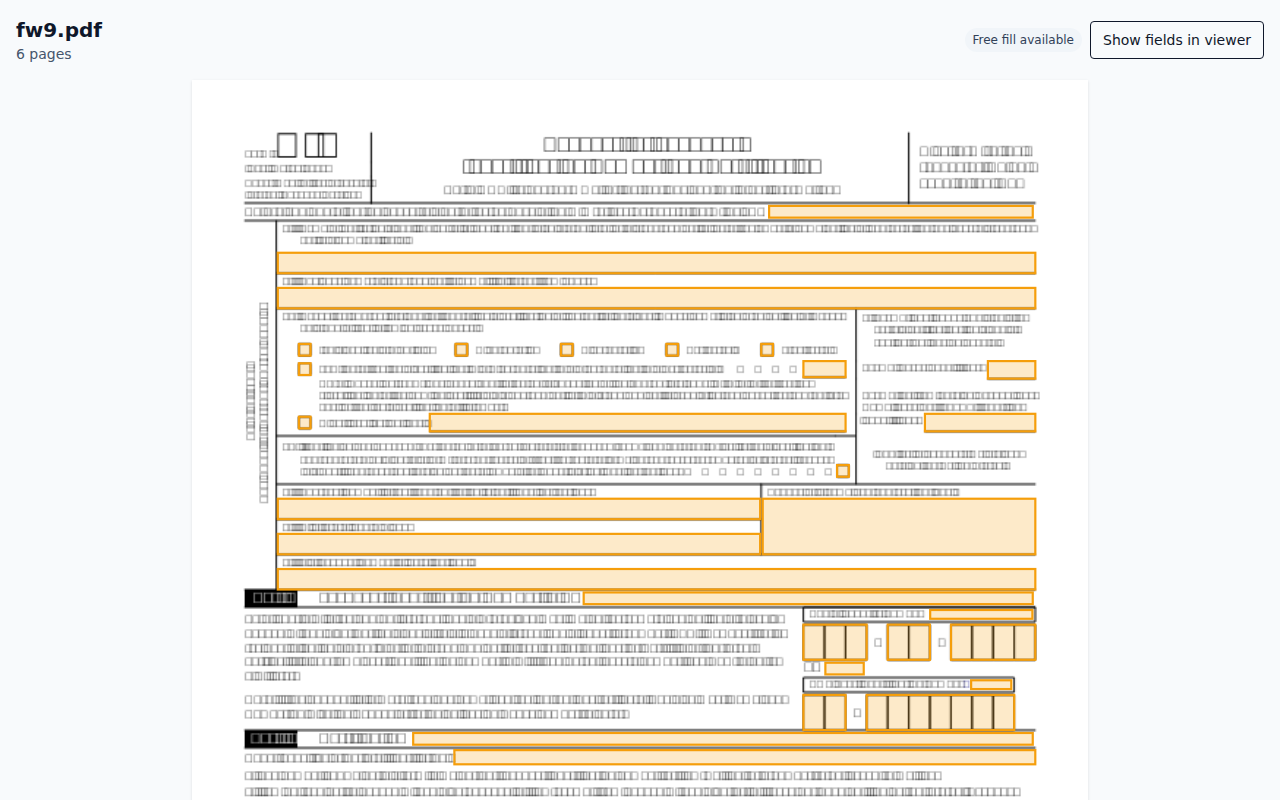
For a PDF that already contains form controls, the engine reads those controls directly. For a flat PDF, it reads text positions and page drawing operations, then looks for structures such as labels, blank lines, boxes, and table cells. Each proposed field has a source and a confidence value, which is why the review screen can distinguish a strong match from one that needs attention.
None of those operations needs a remote request. The PDF parser, geometry rules, matcher, and writer ship with the extension. A worker keeps the interface responsive while those parts read the page.
The profile follows the same boundary. Profile values are encrypted in browser storage. When you choose “Fill from profile,” the values are decrypted for the current browser session and matched to the detected fields on your device. They are not placed in a request body.
Filling creates a new local file
After review, the writer produces a new PDF. It can write into existing form fields or draw a flattened final copy. The result becomes a browser Blob and the download begins from a temporary local URL. Fillauto does not need a download permission and does not upload the result first.
The exported metadata records the Fillauto version, fill mode, date, and number of fields written. It does not record your answers, profile values, document hash, account id, or installation id. That rule has its own test because metadata is easy to overlook when reviewing visible pages.
What does use the network
Accounts and subscriptions still need a server. The extension can send sign-in requests, plan lookups, trial claims, and usage counters. Those requests contain the minimum account and entitlement data described in the Privacy Policy, not the document or the answers written into it.
Checkout opens on the Fillauto website and payment is handled by Paddle. That boundary is separate from document processing. The website’s checkout page is also the only page on the site that loads a third-party script.
Verify the claim in your browser
You do not need to accept the description on trust. Open the extension viewer, press F12, select the Network panel, clear the list, and fill a local form. Recognition, profile matching, filling, and download should add no request.
The project test suite repeats a stricter version of that check. It records every outbound request during a real fill, permits only the configured service host, and searches request bodies for document markers and a private test profile value. Another browser test loads the live demo and requires every request after page load to remain same-origin.
Privacy is strongest when a statement can fail a test. “Nothing leaves your computer” is not a mood or a promise about good intentions. For the document workflow, it is a boundary the code and tests are built to enforce.